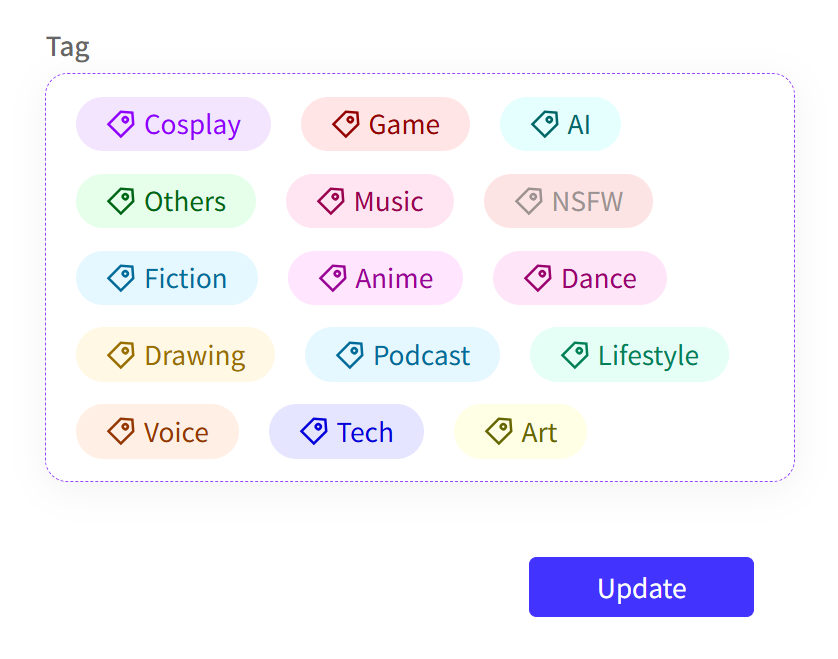
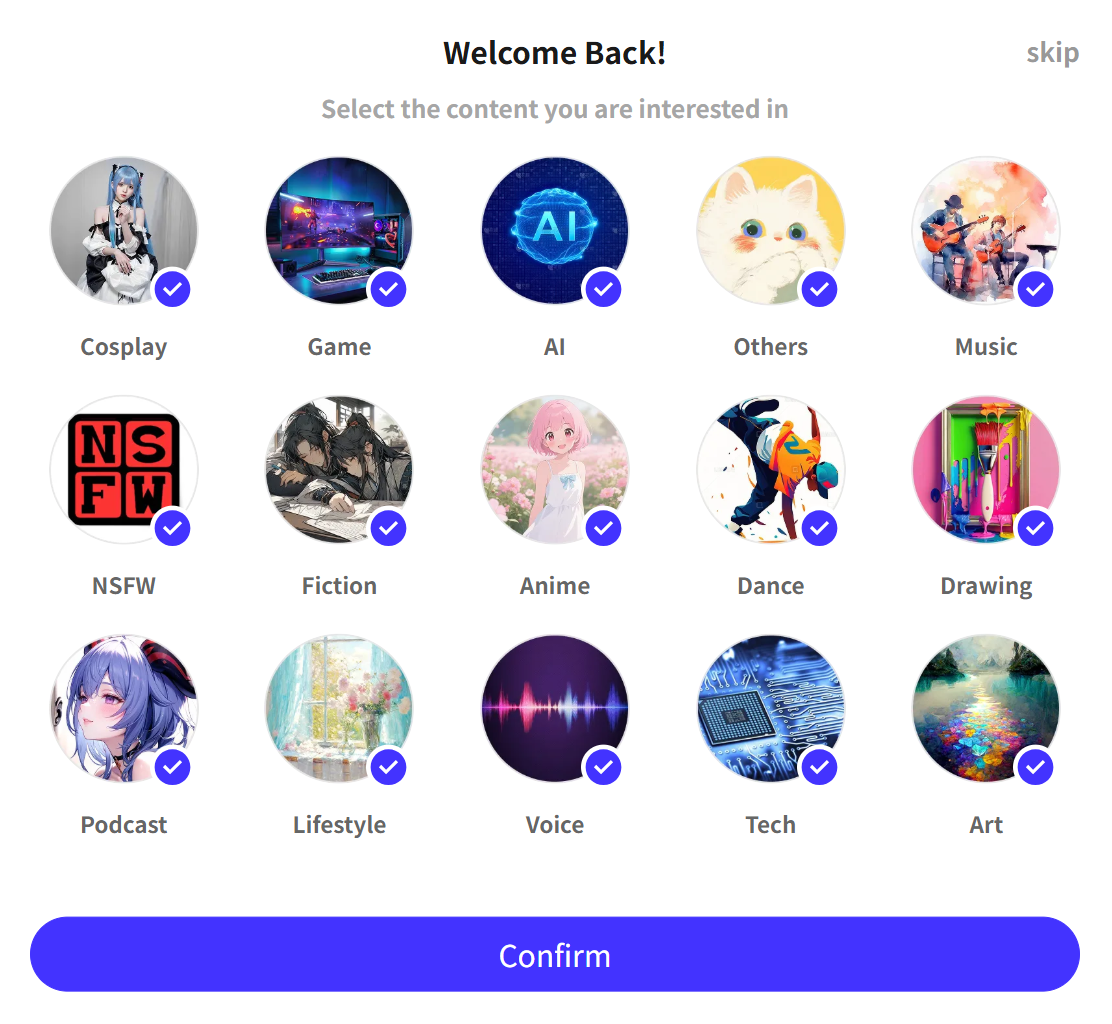
Interests are categories you can select to personalize the content shown in your Feed. When you first sign in, a pop-up window will appear where you can choose the Interests that best match what you want to see.
How to Update Interests?
- You can update your Interests every 7 days, when the selection pop-up appears again.
- If you want to change your Interests immediately, you can clear your browsing history and log in again to trigger the pop-up.
You can review your selected Interests anytime under Account Settings → Account Information.